![Stratsys-logo-deep-blue.png]](https://www.stratsys.com/hs-fs/hubfs/Stratsys%20Logos/Stratsys-logo-deep-blue.png?height=27&name=Stratsys-logo-deep-blue.png)
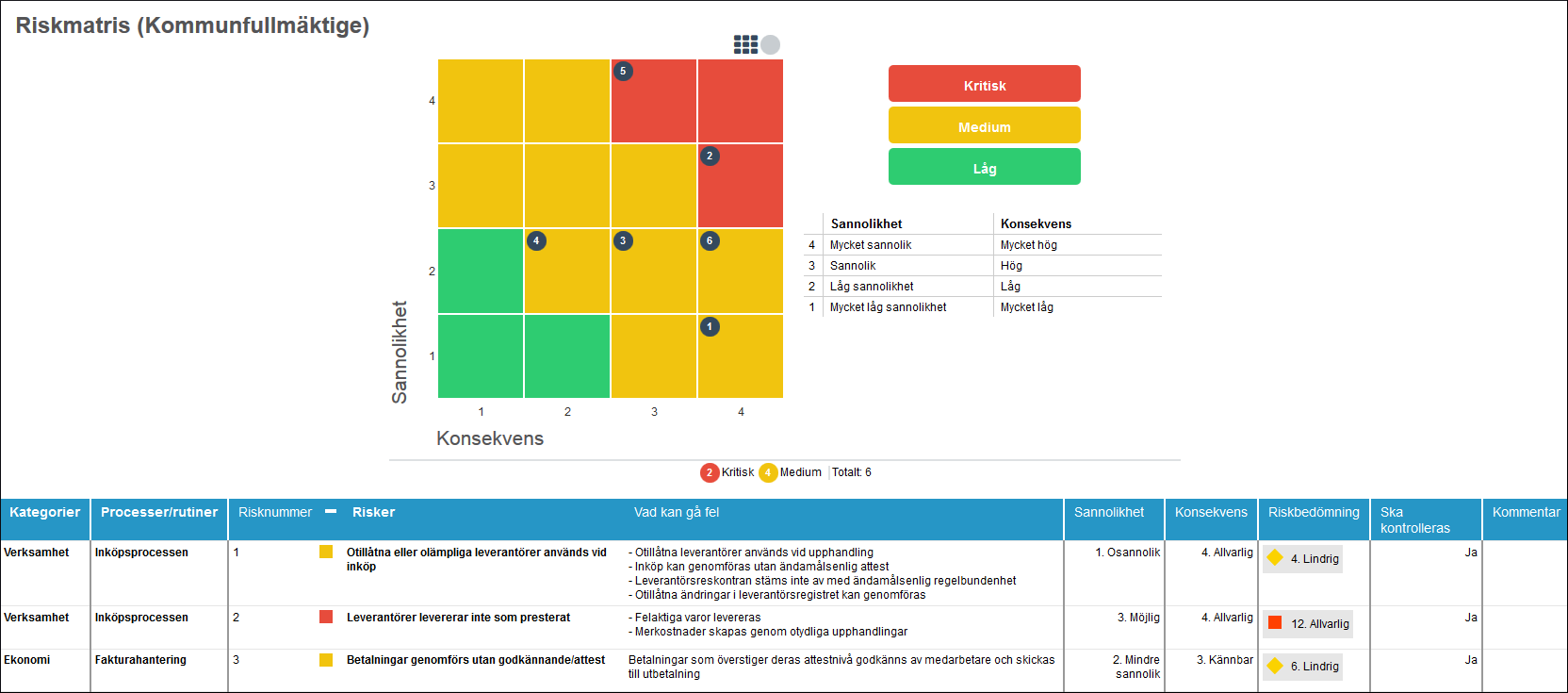
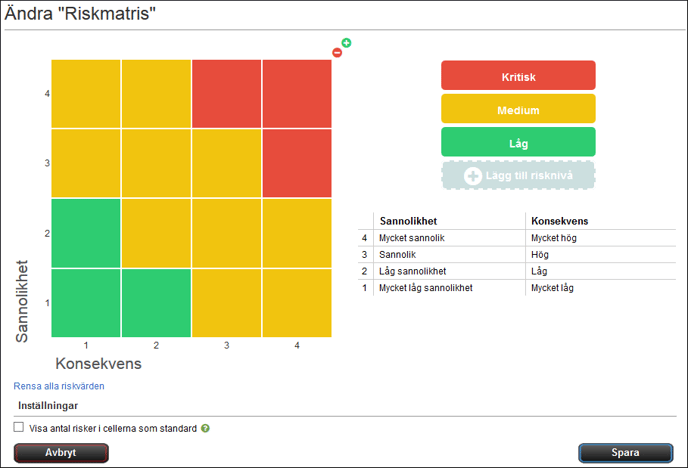
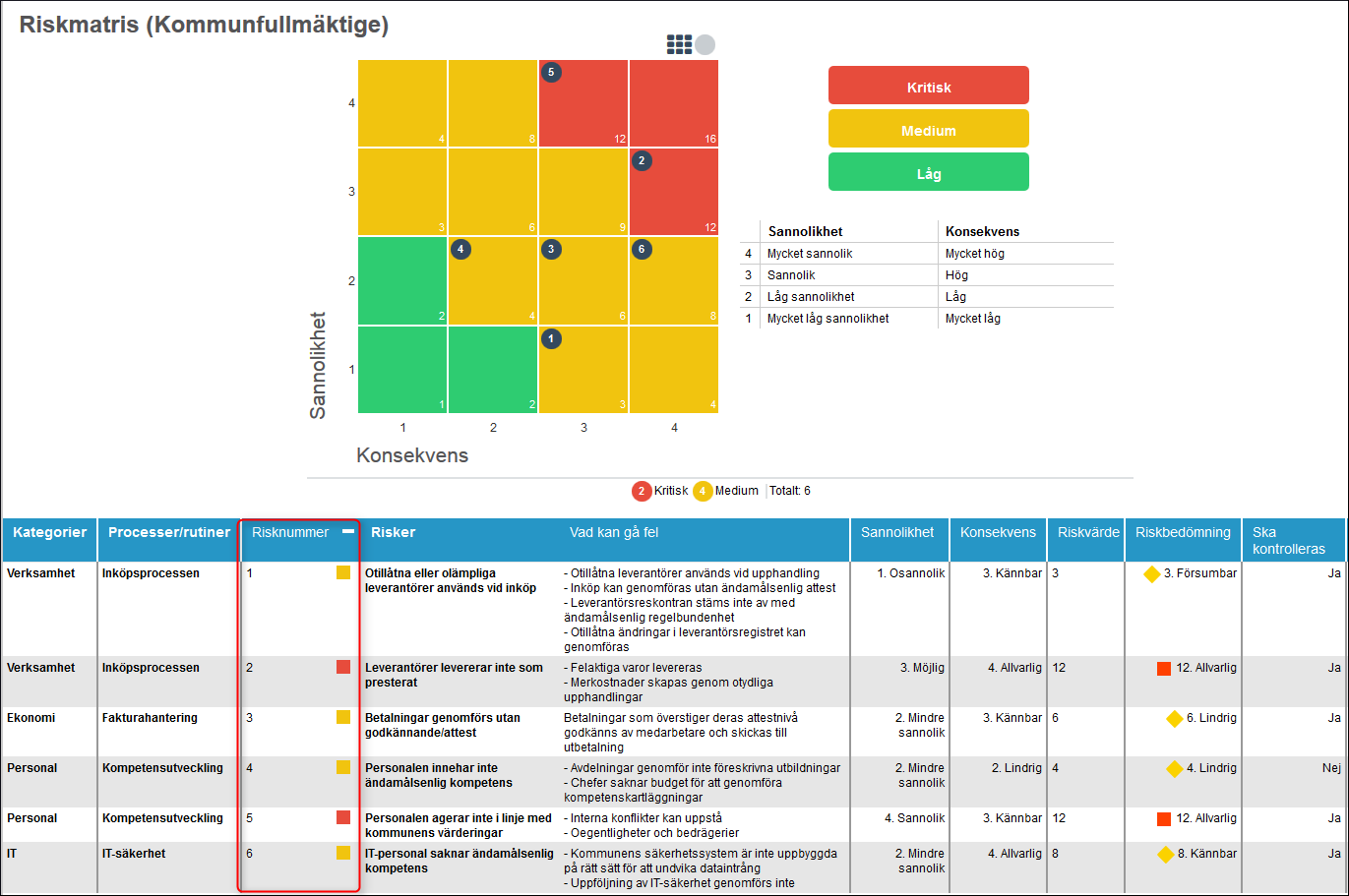
You can in the administration under Settings create Riskmatrismallar which you can then edit as needed via Change Risk matrice template.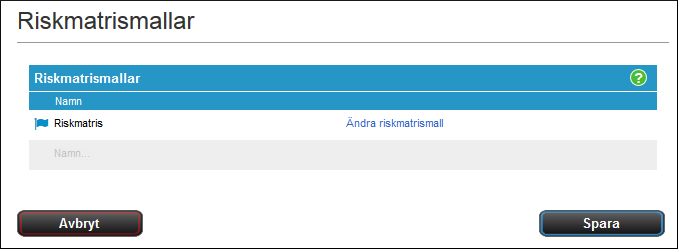
Add Risk Level -Add new risk levels, enter a name, and select a color.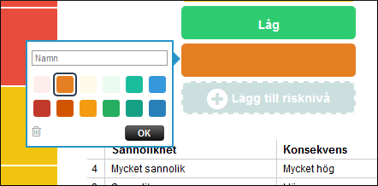
To expand/Decrease the Risk matrice, use the plus/minus signs in the top-right corner. 
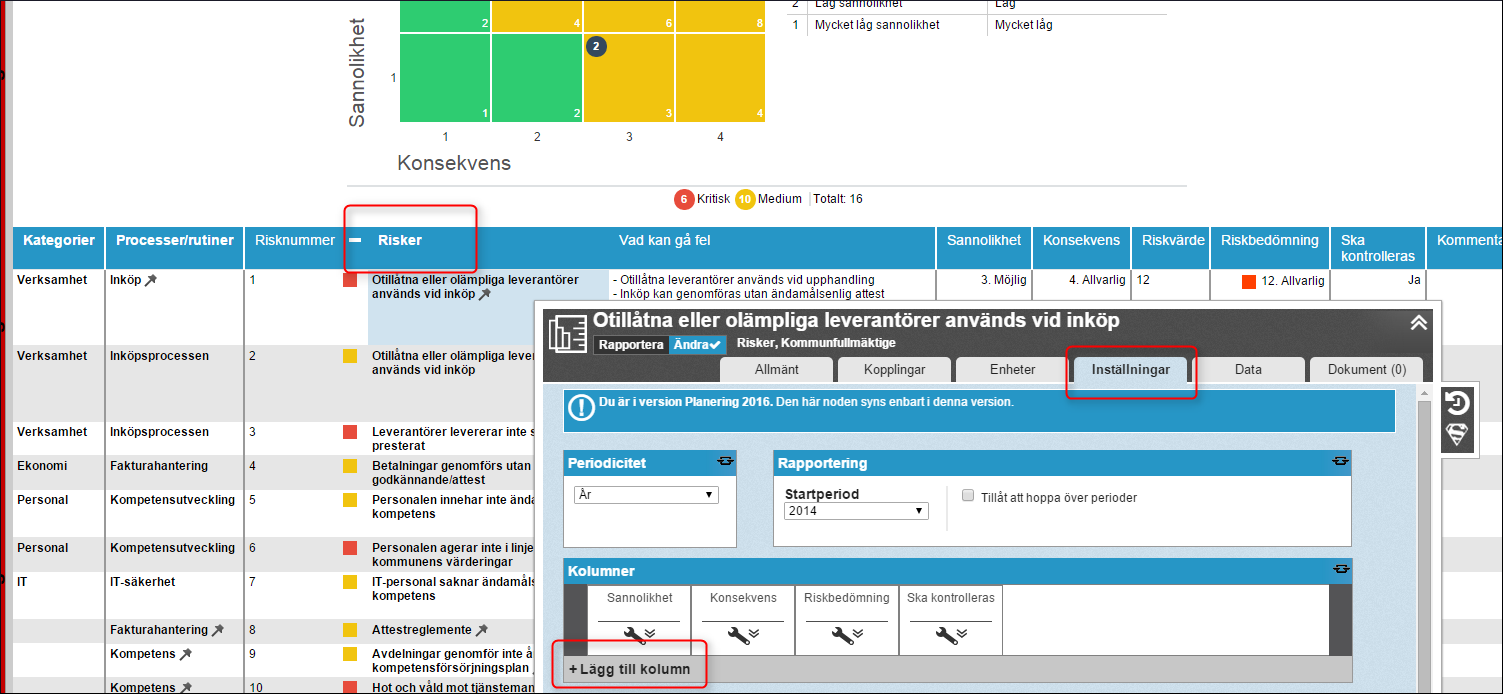
You can click a single cell in the Risk matrice to change its color, and enter a specific risk value.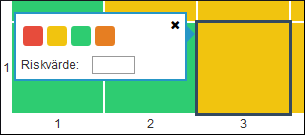
Clear all Risk values -Deletes all added risk values
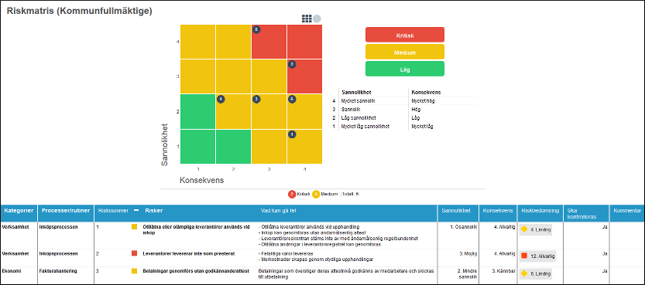
Show the number of risks in the cells by default -If this option is selected, the sum of the number of risks will be displayed in each cell.